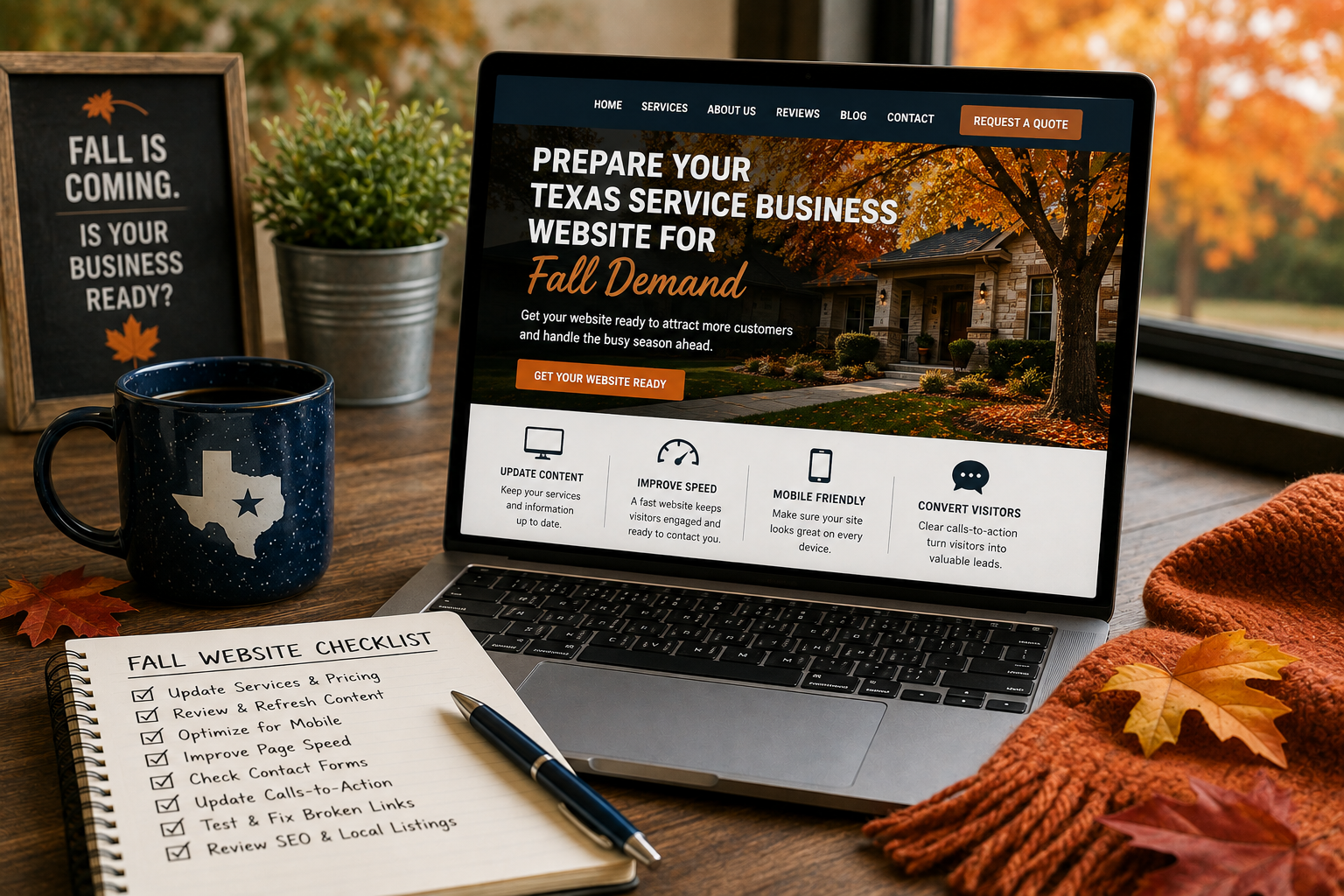
Prepare Your Texas Service Business Website for Fall Demand
Fall is a useful planning window for Texas service businesses. As seasonal needs change, customers may begin searching for heating services, maintenance plans, fall cleanup, roof repairs, pest control, holiday preparation, home improvement work, or other time-sensitive services.
Your website and local marketing should reflect what customers are looking for now—not what they searched for several months ago. A few focused updates can help customers find relevant information, trust your business, and contact you before the busiest part of the season arrives.
You do not need to rebuild your entire website. Start by improving the service pages, contact paths, local listings, and trust signals that have the greatest effect on whether a local customer can find and choose your business.
Identify Your Fall Priorities
Start by identifying which services, offers, and customer questions become more important during fall and early winter. The right priorities will depend on your industry, service area, weather patterns, and past customer demand.
For example, an HVAC company may shift attention toward heating inspections, furnace repair, maintenance agreements, and indoor air quality. A landscaping company may promote fall cleanup, tree trimming, leaf removal, irrigation winterization, or seasonal planting. A contractor may highlight roof repair, weatherproofing, gutter work, remodeling, or pre-holiday projects.
Review recent calls, quote requests, sales conversations, Google Search Console data, and customer questions. Look for the services people ask about most often, then make sure those services are easy to find on your website.
Update Seasonal Service Pages
Customers should find current, specific information when they land on a service page. Review the pages connected to your fall priorities and make sure they accurately describe what you offer, the areas you serve, and how customers can get started.
Each important service page should include:
- A clear explanation of the service and the customer problem it addresses
- The Texas cities, communities, or service areas you actually serve
- Current scheduling details, availability, offers, or financing information when applicable
- Frequently asked questions that address seasonal customer concerns
- Photos, reviews, project examples, credentials, or warranties that build trust
- A clear next step, such as “Request a Quote,” “Schedule Service,” or “Call Now”
Avoid creating a thin seasonal page with only a few sentences and a city name added repeatedly. Build pages that are genuinely useful to customers and clearly connected to the services your business provides.
For help strengthening high-value service pages, TXPAGES provides SEO services for Texas businesses that include keyword research, technical improvements, on-page optimization, and content strategy.
Review Your Google Business Profile
Your Google Business Profile often gives customers their first impression of your business in Google Search and Google Maps. Before fall demand grows, review the profile carefully and make sure it reflects current operations.
Check these details:
- Regular and holiday business hours
- Phone number, website link, and contact details
- Primary and secondary business categories
- Service descriptions and current service offerings
- Service areas, when applicable
- Recent photos of your team, work, location, products, or completed projects
- Customer questions and answers
- New Google reviews and review responses
If a customer sees outdated hours, an old phone number, an incomplete service list, or unanswered reviews, they may choose another business. Regular updates make it easier for customers to act on the information they find.
Read TXPAGES’ guide to Google Business Profile optimization for Texas businesses for a more detailed profile review process.
Test Every Contact Path
A customer who is ready to call, request a quote, or schedule an appointment should not have to work to reach your team. Test every major contact path on desktop and mobile devices before you spend more on marketing or advertising.
Review these customer actions:
- Click-to-call links and displayed phone numbers
- Quote request and contact forms
- Appointment scheduling or booking tools
- Email links and live-chat tools, if used
- Thank-you pages and confirmation messages
- Lead-routing notifications to the correct employee or inbox
- Response-time expectations after a customer submits an inquiry
Submit a real test form and confirm that it reaches the right person. Call the phone number from a mobile device. Test booking links and automated confirmations. Small technical issues can quietly cost leads during a busy season.
Refresh Trust Signals
When customers compare local providers, they often look for proof that a business is legitimate, reliable, and capable of handling the job. Fall is a good time to refresh the evidence that supports your claims.
Add or update:
- Recent Google reviews and customer testimonials
- Photos of recent projects, staff, vehicles, products, or completed work
- Relevant licenses, certifications, insurance, affiliations, or awards
- Clear service-area information
- Warranty, guarantee, financing, or payment information when applicable
- Before-and-after examples or case studies
- Answers to common customer questions
Be specific and honest. Clear proof is more persuasive than broad claims like “the best service in Texas.” A customer should be able to see why your business is credible without having to guess.
Improve Mobile Speed and Usability
Many local customers will find your business while using a phone. If the website is slow, difficult to read, hard to navigate, or frustrating to contact from a mobile device, visitors may leave before they call or request a quote.
Review your site on a real phone and make sure visitors can:
- See the primary service and location information quickly
- Use the menu without confusion
- Call from a visible tap-to-call button
- Complete a short form without zooming or excessive typing
- Read service details, reviews, and FAQs easily
- Access important pages without broken buttons or layout issues
Focus first on the pages that receive the most traffic or support the most valuable services. TXPAGES builds mobile-first websites for Texas businesses designed to support clear customer journeys and lead generation.
Check SEO Essentials
Seasonal demand will not help if search engines and customers cannot find the pages that matter. A quick SEO review can help you catch errors and improve relevance before fall campaigns begin.
Review the fundamentals:
- Page titles accurately describe each service and target location
- Headings explain the service clearly
- Important service pages link to related pages, FAQs, and contact options
- Broken links, missing images, and error pages are fixed
- Google can access and index important pages
- Location details are accurate across the website and local listings
- Older content links naturally to relevant seasonal service pages
- Analytics and conversion tracking are active
Do not change every page at once. Prioritize the services that are most profitable, most seasonal, or most likely to generate customer demand in your market.
Align Seasonal Marketing
Your website should be the destination for local SEO, Google Ads, email campaigns, social posts, referrals, and other marketing. Each channel performs better when it sends a customer to the page that matches their immediate need.
For example, a paid campaign for heating repair should go to a heating-repair page with a relevant call to action—not a generic homepage. A Google Business Profile update about fall maintenance should link to the matching service page. An email about seasonal cleanup should direct recipients to the offer, booking page, or quote form mentioned in the email.
TXPAGES supports Texas businesses with web design, local SEO, SEO, and PPC management so marketing channels work together to create better local visibility and more qualified leads.
Fall Website Checklist
Select the following as a native numbered list:
- Identify the services and customer questions most relevant to fall demand.
- Update priority service pages with accurate details, offers, FAQs, and calls to action.
- Verify business hours, services, photos, contact details, and reviews on Google Business Profile.
- Test click-to-call links, forms, booking tools, confirmations, and lead-routing processes.
- Add recent reviews, project photos, credentials, warranties, or other relevant trust signals.
- Review key pages on a mobile phone for speed, readability, navigation, and easy contact options.
- Fix broken links, outdated pages, technical errors, and inaccurate location information.
- Confirm page titles, headings, internal links, and indexing support your priority services.
- Send Google Ads, local listings, social posts, and email campaigns to relevant seasonal pages.
- Track calls, quote requests, bookings, and form submissions so you can see what is working.
Get a Clear Fall Plan
Preparing for fall demand does not require a full redesign or a major campaign all at once. Start with the website updates, local-search improvements, and customer paths that will make it easier for people to find your business and take the next step.
A TXPAGES Visibility Report can identify website gaps, Google Business Profile opportunities, local SEO priorities, technical issues, service-page improvements, and conversion barriers for your Texas business.
Request your free TXPAGES Visibility Report to get a practical plan for improving local visibility and generating more qualified leads this fall.